
Get KukaPay on Android
Download the KukaPay app, install it in seconds, and start collecting and making verified campus payments right away. Prefer no install? Use the web app at app.kukapay.com.ng.
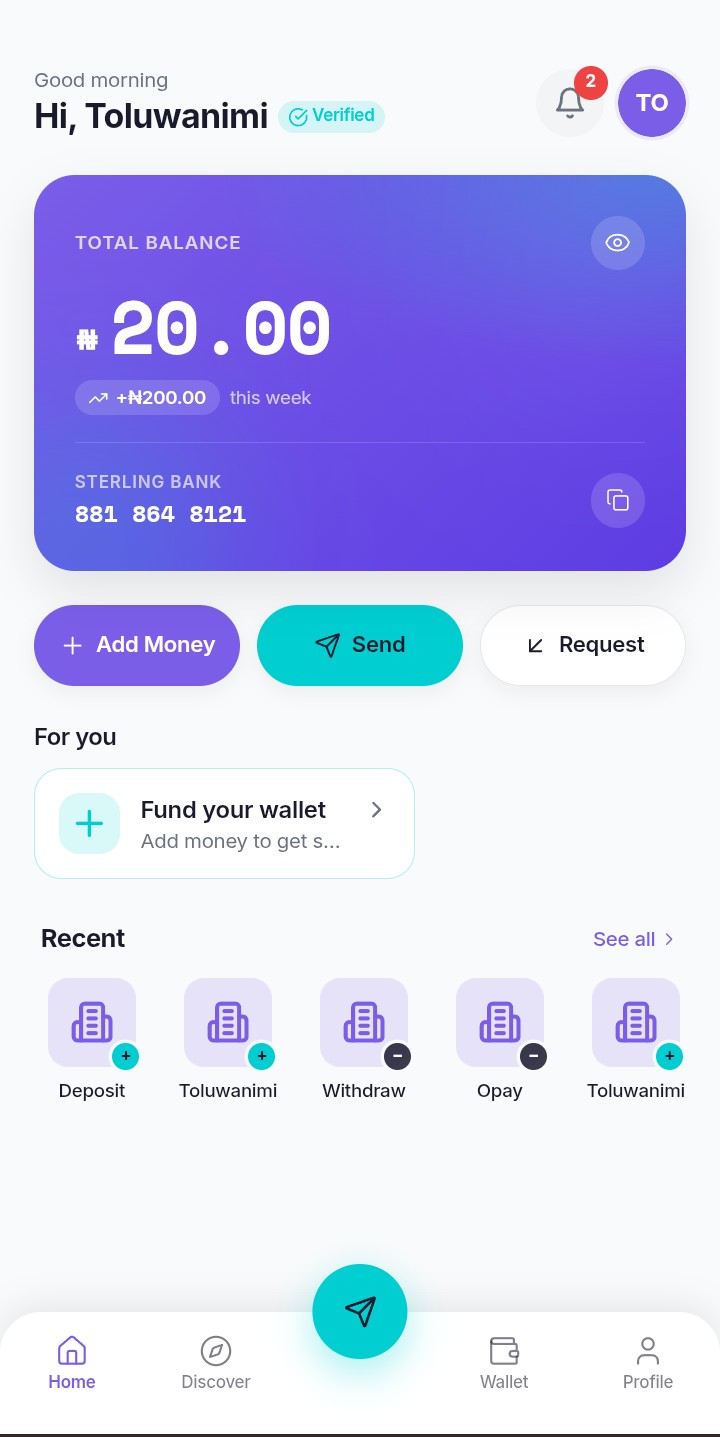
Works on Every Device
The KukaPay app is built for Android phones, and the web app adapts to any screen
Desktop
Phone (Primary)
Tablet
Install in under a minute
Download, allow, and open — no app store required
Download the APK
Tap the download button to save the KukaPay APK file to your Android phone — about 15 MB.
Allow install from browser
Open the file, then approve the install prompt. Android may ask you to allow installs from your browser once.
Open KukaPay
Once installed, tap the KukaPay icon on your home screen and you're ready to start transacting.
Fast, light, and ready
All the power of a native app, installed straight from the web
Install in seconds
One APK download and you're set — no app store queue, no waiting for approval.
Feather light
KukaPay takes barely 15 MB on your phone, so storage is never a worry.
Always current
Install the latest APK any time to get new features as soon as they ship.
Built for campus data
Optimised for the kind of connections you actually get in a lecture hall.